Assigning Applications to Files with Default Apps
Watch tutorial on Default Apps
The Default Apps feature allows you to define which application will open each file type. When you open Default Apps, you will see the list of extensions for all files available on your Mac. Clicking the pop-up button near an extension will show the list of applications that open this file type. You can check and uncheck the applications available in the list as well as add more applications by clicking Other. Use the Quick Look button to preview the applications and the Filter field to locate specific applications.
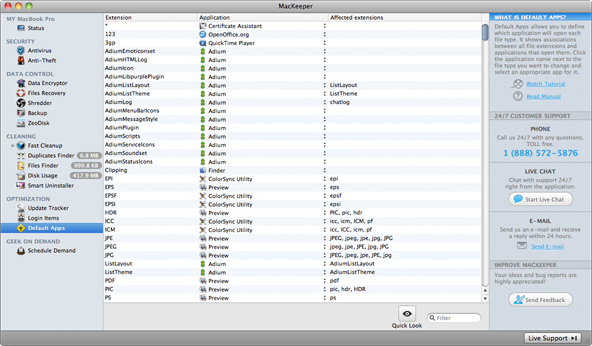 Default Apps Page
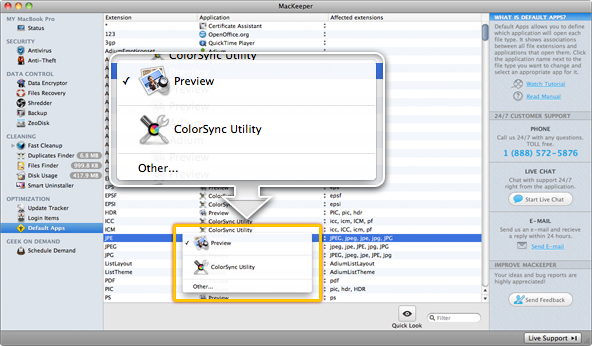 Clicking the pop-up button near an extension will show the list of applications that open this file type.